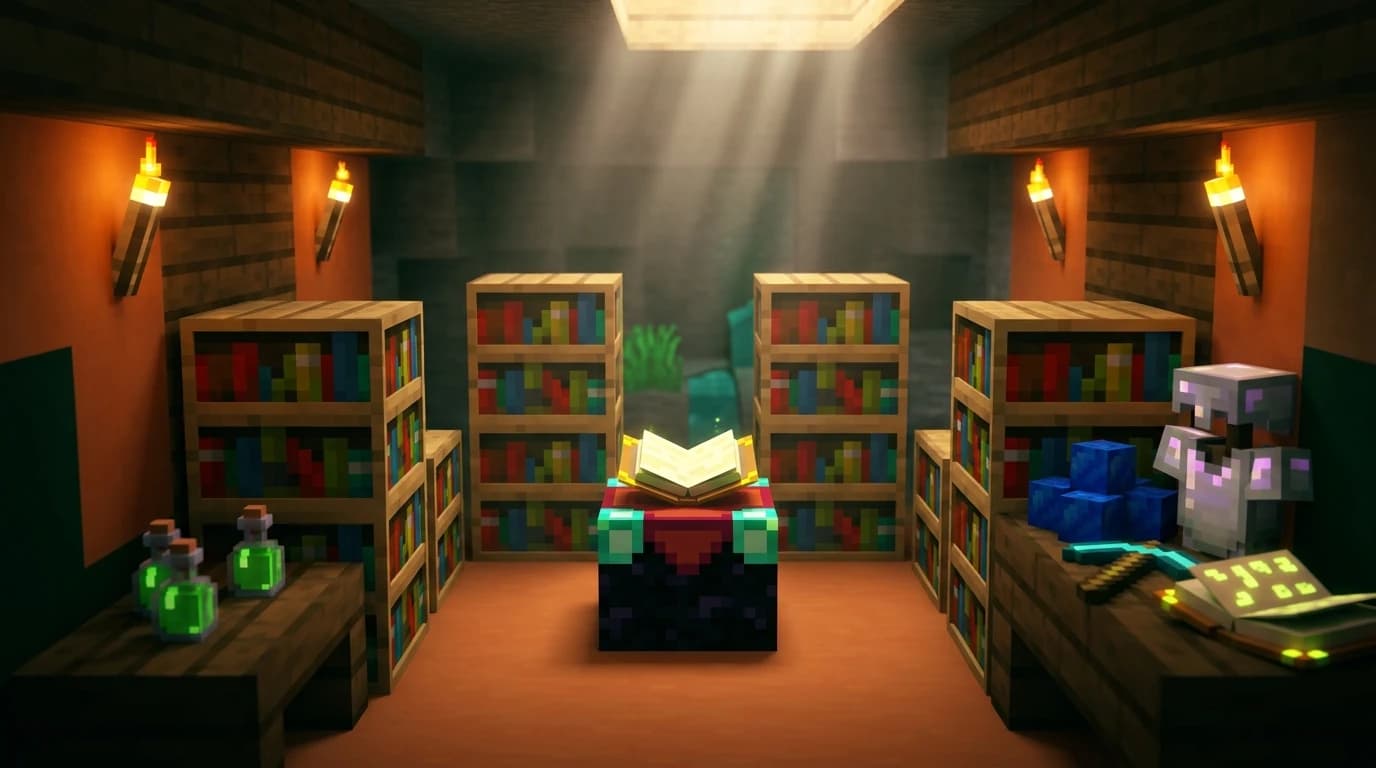
To answer how do i make an enchantment table in minecraft, collect 1 book, 2 diamonds, and 4 obsidian. Use a crafting table, place the book in the top-center slot, diamonds in the middle-left and middle-right slots, and three obsidian across the bottom row. Then place the table and use 15 regular bookshelves to unlock level 30 enchantments.
What you need to craft an enchantment table
The recipe uses materials from several stages of survival progression. Gather these items before opening your crafting table:
- 1 book
- 2 diamonds
- 4 obsidian
- 1 crafting table
You also need a pickaxe capable of mining obsidian. A diamond or netherite pickaxe is the usual choice because obsidian takes a long time to mine and cannot be collected with weaker pickaxes.
How to get the ingredients
- Book: Craft one from 3 paper and 1 leather, or find books in generated structures and villages.
- Diamonds: Mine diamond ore underground with an iron, diamond, or netherite pickaxe.
- Obsidian: Mine obsidian blocks with a diamond or netherite pickaxe. You can create obsidian when water flows over a lava source block.
You do not need to craft a special table for this recipe. A normal crafting table provides the required three-by-three crafting grid.
How do i make an enchantment table in minecraft
Once you have the materials, follow these steps:
- Open a crafting table.
- Place the book in the top-center slot.
- Place one diamond in the middle-left slot and the other diamond in the middle-right slot.
- Fill the entire bottom row with three obsidian.
- Place the fourth obsidian in the center slot of the middle row.
- Move the enchantment table into your inventory.
| Crafting-grid position | Ingredient | Quantity |
|---|---|---|
| Top-center | Book | 1 |
| Middle-left and middle-right | Diamond | 2 |
| Middle-center and all three bottom slots | Obsidian | 4 |
In words, the layout is one book in the top middle, two diamonds on either side of one obsidian in the middle row, and three obsidian across the bottom row. The four obsidian form a T shape.
Where to place the enchantment table
Place the table somewhere with room for bookshelves around it. A basic table works by itself, but its strongest options require a bookshelf arrangement that leaves a clear air gap.
The easiest starting location is the center of a room or a small open area. Leave at least two blocks of space around the table so you can add bookshelves without rebuilding the room later.
Keep these rules in mind:
- Use regular bookshelves, not chiseled bookshelves.
- Place bookshelves two blocks away from the table, leaving one empty block between them.
- Bookshelves can be on the same level as the table or one block higher.
- Do not put torches, carpets, blocks, or other objects in the air gap.
- You need 15 correctly placed bookshelves to reach the maximum table option level of 30.
A bookshelf only powers the table when the space between the bookshelf and table remains clear. Even a torch or transparent block can interrupt the connection.
A simple level 30 bookshelf layout
Place the enchantment table in the middle of a five-by-five area. Build a ring of regular bookshelves around it with one empty block between the table and the shelves. You can leave an opening on one side so you can walk up to the table, as long as 15 bookshelves still have a valid connection.
Bookshelves may also be stacked one block higher than the table. This lets you build a two-block-high enchanting room without placing every shelf on the floor. The important details are the distance, the clear air gap, and the number of valid bookshelves.
How to make bookshelves for the setup
Each regular bookshelf requires 3 books and 6 wooden planks. To make the full 15-shelf setup, you need 45 books and 90 wooden planks.
Craft a bookshelf by placing three wooden planks across the top row, three books across the middle row, and three wooden planks across the bottom row of a crafting table.
- 15 bookshelves: 45 books
- 45 books: 135 paper and 45 leather if crafted from raw materials
- 15 bookshelves: 90 wooden planks
Build the bookshelves before placing the table if you already have the materials. Otherwise, start with the table and add shelves as you gather books. Chiseled bookshelves are useful for storage and decoration, but they do not provide the standard bookshelf power used by an enchantment table.
How to use the enchantment table
After placing the table, interact with it to open the enchanting menu. The interface has a slot for the item you want to enchant and a slot for lapis lazuli.
- Place a tool, weapon, piece of armor, or book in the item slot.
- Place lapis lazuli in the lapis slot.
- Choose one of the three available enchantment options.
- Confirm the enchantment if you meet its experience-level requirement.
- Take the enchanted item from the result slot.
Each option shows an experience-level requirement and a lapis cost. The number shown is the minimum level you must have, not necessarily the number of levels consumed. The highest option can require level 30 while consuming 3 experience levels and 3 lapis lazuli.
You can enchant many tools, weapons, armor pieces, and books. The available results depend on the item, your bookshelf power, and the random enchantments offered by the table. A level 30 option improves your chances of getting stronger enchantments, but it does not guarantee a specific enchantment or the highest possible result.
How to refresh the enchantment options
If none of the three options is useful, enchant a cheap item such as a book or a low-cost tool. This changes the available offers for the next item. A grindstone can remove unwanted enchantments and return some experience, but it does not let you choose a specific enchantment directly.
For reliable combinations such as Protection, Efficiency, or Mending, combine enchanted books and gear with an anvil when the table does not offer the result you need.
Java Edition and Bedrock Edition differences
The enchantment table recipe, bookshelf setup, and basic enchanting process are the same in Java Edition and Bedrock Edition. Both editions use one book, two diamonds, and four obsidian, and both require 15 valid regular bookshelves for the maximum level 30 setup.
One small difference affects moving the block: in Java Edition, you need a pickaxe to mine an enchantment table and collect it. In Bedrock Edition, a pickaxe is not required to break the table, although using one is still the practical way to mine it quickly.
Common enchantment table mistakes
- Using the wrong recipe: The two diamonds belong on the middle-left and middle-right, while the book goes in the top-center slot.
- Placing shelves too close: Leave one full block of air between each bookshelf and the table.
- Blocking the gap: Remove torches, carpets, trapdoors, and other blocks between the shelves and table.
- Counting chiseled bookshelves: Use regular bookshelves for the normal level 30 setup.
- Expecting a guaranteed enchantment: Bookshelf power raises the available level but does not guarantee a particular result.
- Forgetting lapis: The table needs both lapis lazuli and experience to apply an enchantment.
If the table does not show a level 30 option, count the valid bookshelves, check the one-block air gap, and make sure the shelves are on the same level or one block above the table. Once the setup works, keep a supply of lapis, books, and spare tools nearby so you can reroll poor offers efficiently.