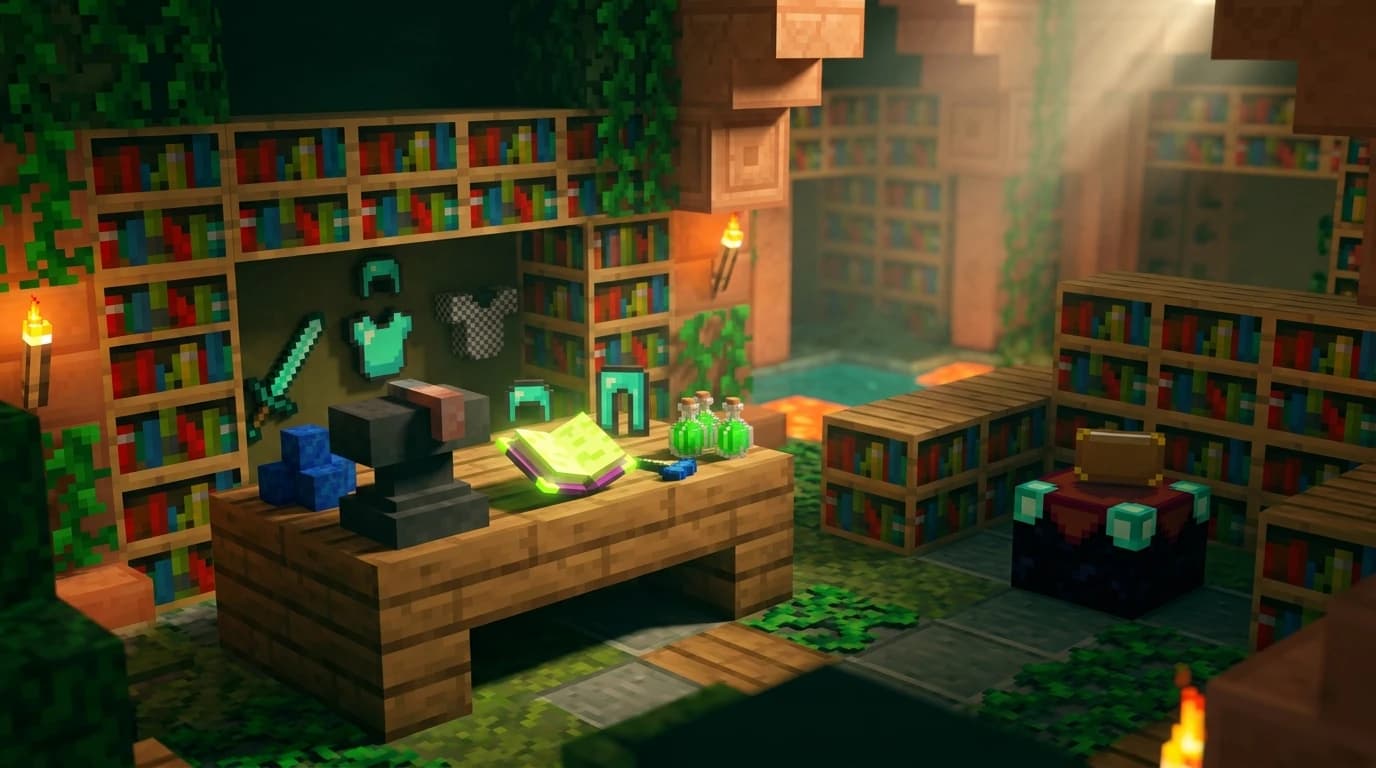
To use enchanted books in Minecraft, place the item you want to enchant in the first slot of an anvil and the enchanted book in the second slot. Pay the displayed experience cost, then collect the upgraded item. The book is consumed, and only enchantments compatible with that item transfer.
How do I use enchanted books in Minecraft?
An enchanted book is a single-use item that transfers one or more enchantments to compatible gear through an anvil. You cannot apply it directly from your inventory, and placing it in an enchanting table does not enchant another item.
- Place an anvil and open it.
- Put the tool, weapon, armor piece, bow, crossbow, fishing rod, trident, shield, or other compatible item in the left slot.
- Put the enchanted book in the second slot.
- Check the result slot and the experience level cost.
- Take the finished item from the result slot.
The first slot determines what the book can affect. For example, a Sharpness book works on compatible swords and axes, while Protection works on armor. A book containing several enchantments may transfer only the effects that fit the item. Any incompatible enchantments are not transferred, but the entire book is still used.
What do enchanted books do?
Enchanted books add specific enchantments to equipment without relying on the random selection shown by an enchanting table. This lets you target useful upgrades such as Mending, Efficiency, Fortune, Unbreaking, Protection, Sharpness, or Feather Falling.
- Tools: Efficiency, Fortune, Silk Touch, Unbreaking, and Mending can improve mining and durability.
- Weapons: Sharpness, Smite, Bane of Arthropods, Looting, Fire Aspect, and Knockback can improve combat.
- Armor: Protection, Feather Falling, Respiration, Aqua Affinity, Depth Strider, Frost Walker, and Thorns can be applied where compatible.
- Ranged equipment: Bows, crossbows, and tridents accept their own sets of compatible enchantments.
- Other items: Books can apply some enchantments to shields and fishing rods that cannot receive them from an enchanting table.
Some enchantments conflict with each other. A sword cannot normally have Sharpness, Smite, and Bane of Arthropods together. A bow cannot normally have both Infinity and Mending, and a tool cannot normally have Silk Touch and Fortune. The anvil prevents incompatible combinations rather than letting you overwrite one enchantment with another.
What do you need to apply an enchanted book?
You need three things: a compatible item, the correct enchanted book, and enough experience levels to complete the anvil operation.
| Required item | Quantity | Purpose |
|---|---|---|
| Compatible equipment | 1 | Receives the enchantment |
| Enchanted book | 1 | Provides the enchantment |
| Experience levels | As shown by the anvil | Pays the combination cost |
| Anvil | 1 | Combines the item and book |
There is no fixed experience price for every book. The cost depends on the enchantment, its level, the item, and the previous anvil work performed on the items. Rename, repair, and combine items carefully because repeated anvil use increases future costs. ([minecraft.fandom.com](https://minecraft.fandom.com/wiki/Enchanted_Book?utm_source=openai))
How to make the book before using it
You cannot craft an enchanted book directly from normal crafting materials. You can enchant a regular book with an enchanting table, trade for an enchanted book, find one as loot, or obtain one through fishing and other game mechanics.
| Input | Quantity | Where it is used |
|---|---|---|
| Book | 1 | Enchanting table |
| Lapis lazuli | Up to 3 | Enchanting table |
| Experience levels | Required by the selected enchantment | Enchanting table |
Place the regular book in the enchanting table's item slot, add lapis lazuli, and choose one of the offered enchantments. The exact result is random, and enchanting a book can produce enchantments that are not useful for the equipment you currently own.
How to get enchanted books in Minecraft
The most reliable method for a specific enchantment is usually trading with a librarian villager. Other methods are useful when you are exploring or already have a strong fishing setup.
- Librarian villagers: Trade emeralds and a book for an enchanted book. You can replace the librarian's job site block before trading to look for a different offer.
- Enchanting tables: Enchant regular books using lapis lazuli and experience.
- Chest loot: Search structures such as dungeons, mineshafts, strongholds, ancient cities, bastion remnants, and other generated locations.
- Fishing: Enchanted books can appear as treasure while fishing. Luck of the Sea improves the chance of treasure, but does not guarantee a book.
- Raids: Vindicators and pillagers from raids can rarely drop enchanted books.
Treasure enchantments, including Mending, cannot normally be created by an enchanting table. You can find them through sources such as villager trades, loot, fishing, or other special acquisition methods. Soul Speed and Swift Sneak also come from particular sources rather than ordinary table enchanting. ([minecraft.fandom.com](https://minecraft.fandom.com/wiki/Enchanted_Book?utm_source=openai))
Can you combine or copy enchanted books?
You can combine enchanted books, but you cannot duplicate an enchanted book in vanilla Minecraft. Use an anvil to merge two books and create one book with multiple compatible enchantments or a higher level.
- Put the first enchanted book in the left anvil slot.
- Put the second enchanted book in the right slot.
- Review the enchantments and experience cost in the result slot.
- Take the combined book if the result contains the upgrades you want.
Two matching enchantments at the same level can combine into the next level when that level exists. For example, two Sharpness III books can produce Sharpness IV. Combining books with different levels generally keeps the higher level rather than adding them together.
Combining books is useful because it lets you prepare one multi-enchantment book before applying it to expensive equipment. However, every anvil operation adds prior-work cost. If a finished item becomes too expensive to modify, plan the order of combinations before applying the final book.
Using books efficiently
Apply books in an order that reduces unnecessary anvil work. Combine compatible books with each other first, then apply the finished book to the item when practical. Avoid repeatedly adding one book at a time to the same tool or armor piece.
- Start with fresh equipment when possible.
- Combine books that share the same enchantment level before applying them.
- Do not spend a valuable book on an item with an incompatible enchantment.
- Check whether the item already has the enchantment before using another book.
- Use a grindstone only when you are willing to remove the item's normal enchantments; curses are not removed by it.
- Keep rare books in a labeled storage system until you have the right equipment.
An enchanted book is consumed even when only part of its enchantment list can transfer. If a book contains Protection and Power, for example, applying it to a chestplate transfers the armor-compatible enchantment while the bow-only enchantment is lost. ([minecraft.fandom.com](https://minecraft.fandom.com/wiki/Enchanted_Book?utm_source=openai))
Java Edition and Bedrock Edition differences
The basic process is the same in Java Edition and Bedrock Edition: use an anvil, place the equipment first, place the book second, and pay the displayed experience cost. The available enchantments and compatibility rules are also broadly the same.
Villager trading probabilities differ between editions. Librarian villagers have different chances of offering enchanted books at their career levels, so a trading setup may require a different number of rerolls depending on whether you play Java or Bedrock. The book's listed price and the enchantment offered also vary by the generated trade. ([minecraft.fandom.com](https://minecraft.fandom.com/wiki/Enchanted_Book?utm_source=openai))
Common enchanted-book mistakes
The most common mistake is trying to use the book directly on an item. Enchanted books work through an anvil, not by placing them in your hotbar and clicking equipment.
- Wrong item: Verify that the enchantment belongs on the equipment before spending the book.
- Not enough levels: Gather experience until the anvil result is available.
- Conflicting enchantments: Sharpness, Smite, and Bane of Arthropods cannot normally share one weapon.
- Wasting multi-enchantment books: Use the book on an item that accepts as many of its enchantments as possible.
- Expecting duplication: Vanilla Minecraft has no normal recipe or anvil method for copying an enchanted book.
If you only need one upgrade, use the book directly on the final item. If you are building a fully enchanted tool or armor set, collect the books first, combine compatible books strategically, and apply them while the anvil cost remains manageable.