To answer how do you get the command block in minecraft: enable cheats or use operator permissions, open chat, and run /give @s minecraft:command_block on Java Edition or /give @s command_block on Bedrock Edition. Command blocks cannot be crafted or found naturally, and Survival players cannot obtain them without commands.
What a command block does
A command block is a special block that runs a Minecraft command when it receives power or is set to remain active. It can automate tasks such as teleporting players, giving items, changing the weather, summoning mobs, checking conditions, or triggering a larger redstone machine.
Command blocks are not normal survival loot. You cannot make one with crafting ingredients, mine one from a structure, or obtain one as a regular mob drop. They are designed for Creative worlds, adventure maps, server administration, and controlled custom gameplay. ([help.minecraft.net](https://help.minecraft.net/hc/en-us/articles/360058742632-Minecraft-What-are-Command-Blocks-?utm_source=openai))
How do you get the command block in minecraft
Java Edition
- Open a world where cheats are enabled, or make sure you have operator permissions on the server.
- Open the chat window.
- Enter /give @s minecraft:command_block and send the command.
- Move the command block from your inventory to your hotbar.
The @s selector targets the player running the command. You can replace it with your username or use @p to target the nearest player. On Java Edition, the namespaced item ID minecraft:command_block is the clearest version of the command.
Bedrock Edition
- Open the world settings and turn on Activate Cheats.
- Enter the world and open chat.
- Type /give @s command_block.
- Send the command and check your inventory.
Microsoft’s Bedrock instructions use the same basic process: enable cheats, open chat, and run the give command. Bedrock accepts /give @p command_block as well, which gives the block to the nearest player. ([learn.microsoft.com](https://learn.microsoft.com/nl-nl/minecraft/creator/documents/commandblocks?view=minecraft-bedrock-experimental&utm_source=openai))
How to get a command block in Minecraft on Switch
Nintendo Switch uses Bedrock Edition, so the Bedrock command is the correct one. Open the pause menu, choose Settings, open the Game settings, and enable Activate Cheats. Return to the world, open chat, and enter:
/give @s command_block
After you run the command, the block appears in your inventory. The same method applies to Bedrock on Xbox, PlayStation, Windows, mobile devices, and other supported platforms. Turning on cheats can disable achievements for that world, so create a copy first if you want to preserve an achievement-focused save.
Why the give command does not work
If the command produces an error or does nothing, check the permission settings before changing the command itself.
- Cheats are disabled: Enable cheats in Bedrock world settings or allow cheats when creating a Java single-player world.
- You are not an operator: On a multiplayer server or Realm, an owner or administrator must give you the required permission.
- Command blocks are disabled: Server administrators must enable command blocks in the server settings. Java servers use the enable-command-block setting, while Bedrock servers have a command-block option.
- You used the wrong edition command: Try /give @s minecraft:command_block on Java and /give @s command_block on Bedrock.
- You entered a player name incorrectly: Use @s to target yourself instead of typing a username.
Command blocks also require the right permissions to be placed, opened, and edited. Having the item does not automatically let an untrusted player change commands on a multiplayer server.
How to use a command block in Minecraft
Place and configure the block
- Select the command block in your hotbar and place it on a solid surface.
- Interact with the block to open its command interface.
- Enter a command in the command field. You can usually omit the opening slash inside the block.
- Choose the execution settings you need.
- Press Done and test the block.
For a first test, enter say Hello from a command block. Attach a button or lever, power it with redstone, and activate it. The command block should send the message to players who can see the chat.
Choose the command block type
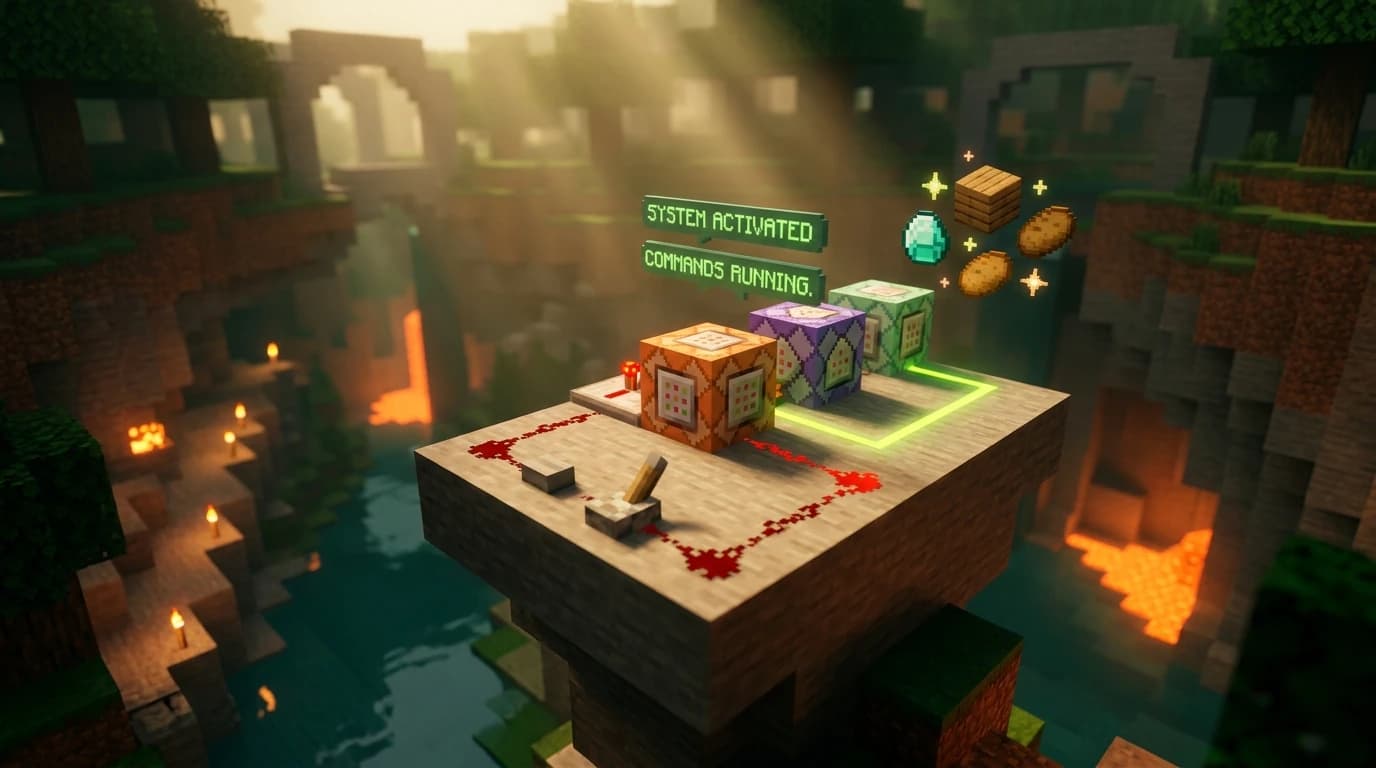
- Impulse: Runs the command once when it receives a redstone signal. This is the default type and works well with buttons.
- Repeat: Runs the command repeatedly while it is powered. A repeating block can execute once per game tick, so use it carefully with commands that affect many entities.
- Chain: Runs after a command block pointing into it executes. Chain blocks are used to build a sequence of commands.
The arrows on command blocks show the direction of execution. Place chain blocks so their arrows point away from the first block, then decide whether each block should run conditionally or regardless of the previous block’s result.
Command block settings explained
The main settings control when and how often the command runs.
- Needs Redstone: The block waits for a redstone signal before running.
- Always Active: The block runs without a separate redstone signal. This is useful for repeating systems, but it can run continuously if the command never stops.
- Unconditional: The block runs even if the previous block in a chain failed.
- Conditional: The block runs only when the command block before it succeeds.
- Track Output: Stores the command’s result and displays feedback, which is useful when troubleshooting.
Start with an impulse block set to Needs Redstone. It is easier to test than an always-active repeating block and reduces the chance of filling chat, spawning too many entities, or repeatedly changing the same area.
Simple command block examples
These examples demonstrate the basic pattern without requiring a complicated machine.
- say Welcome: Displays a message in chat when the block runs.
- time set day: Changes the world time to day when activated.
- weather clear: Clears rain and thunderstorms.
- give @p diamond 1: Gives one diamond to the nearest player, if the command syntax is supported by the edition and the player has permission to use the block.
Test commands in chat first whenever possible. Chat feedback helps you catch misspelled commands, incorrect selectors, missing coordinates, and edition-specific syntax before you put the command into a repeating or chained setup.
Java and Bedrock command block differences
The biggest difference for obtaining the block is the item name used by the give command. Java uses minecraft:command_block, while Bedrock uses command_block. Bedrock also presents the cheat option directly in the world settings, while Java handles cheats through world creation or multiplayer permissions.
The command block’s three main types—impulse, repeat, and chain—exist in both editions, but individual commands and advanced command syntax can differ. A command copied from a Java tutorial may need changes before it works on Bedrock. Always check the command itself when a block runs but reports an error.
Practical mistakes to avoid
- Do not search the recipe book for a command block. It has no vanilla crafting recipe.
- Do not expect to find it in a normal dungeon, village, mineshaft, or other generated structure.
- Do not use a repeating block for a one-time action when an impulse block is enough.
- Do not place a command block far away and assume it will keep running after its chunk unloads.
- Do not test destructive commands in your main world without making a backup first.
If you only need to run a command once, use chat instead of a command block. If you are building an automated system, begin with one impulse block, confirm the command works, and then add repeat or chain blocks one at a time.